Linking The Crawl Tool to Google Search Console enables it to query data such as queries, impressions, and clicks. This can be useful for understanding search traffic but also for prioritizing tasks. We’ve made it easy. From the chat tab, click “Settings”, and you’ll see a Connect Google Account button.
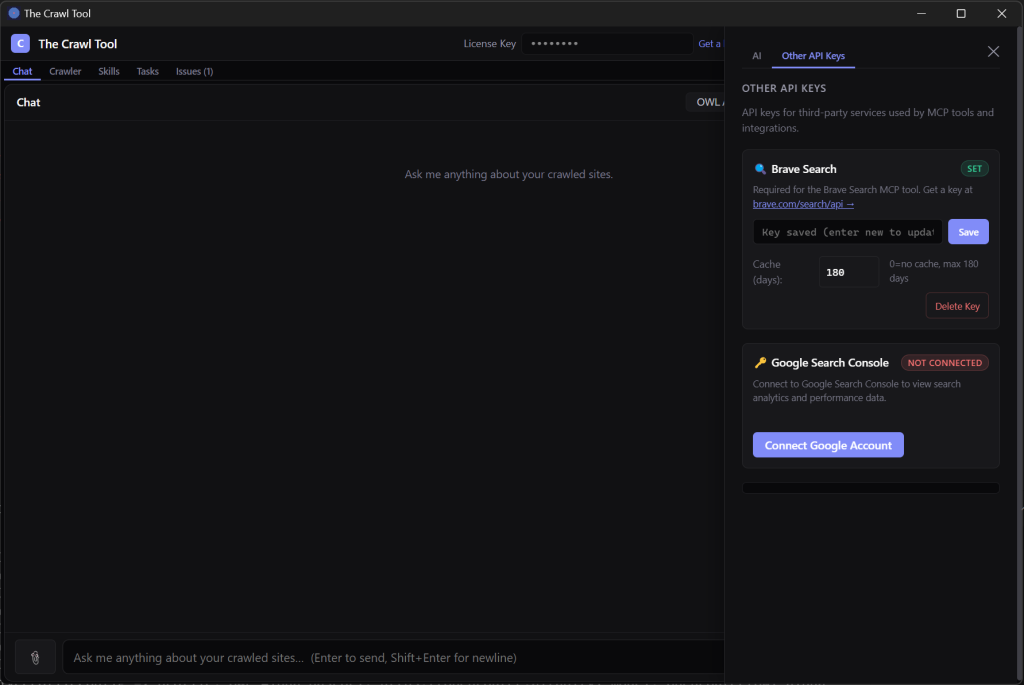
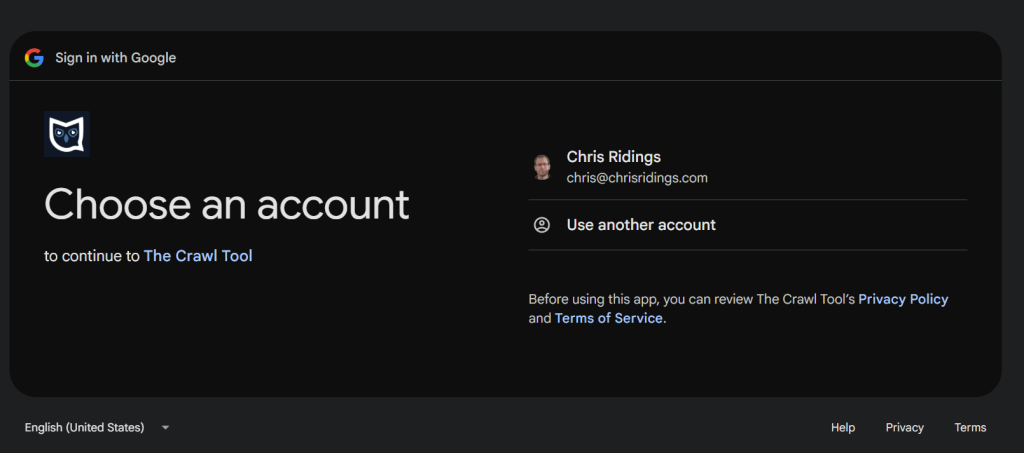
This will open a browser window, and you’ll be asked to connect your account. Be sure to pick an account with access to the properties you want to ask the AI about.
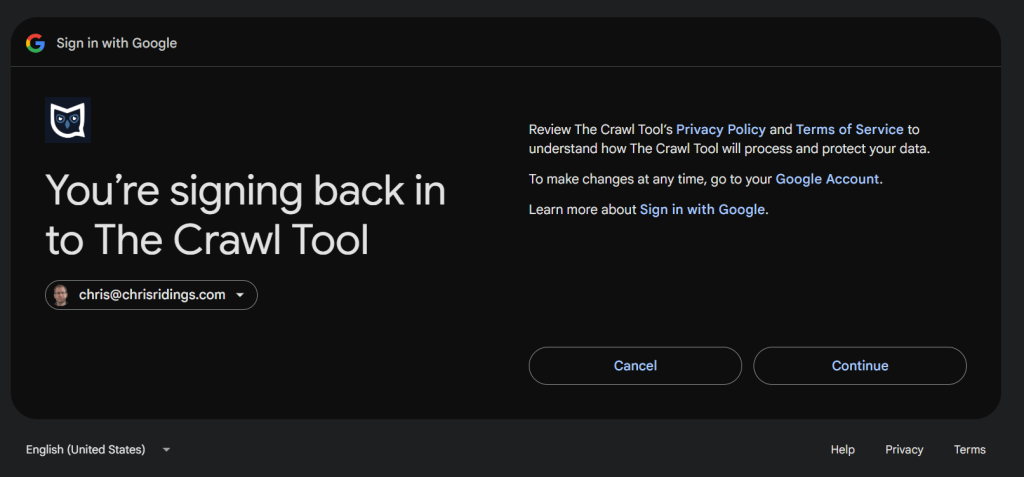
Click Continue:
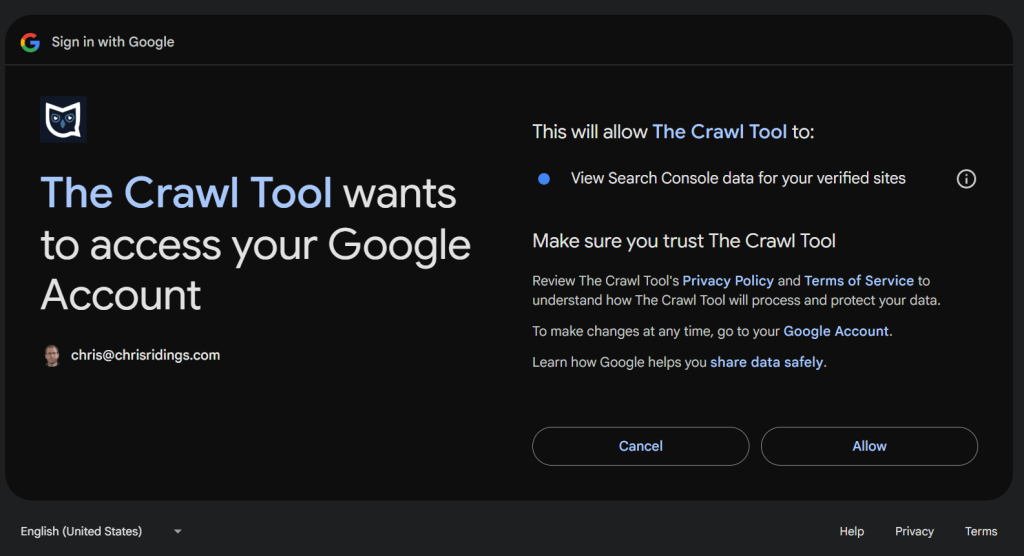
Allow it to access your Search Console data:
When you see a page that says “Authorization Successful,” you can close the browser and return to The Crawl Tool. Now you can ask Search Console-related questions like: “What Search Console properties are there?”
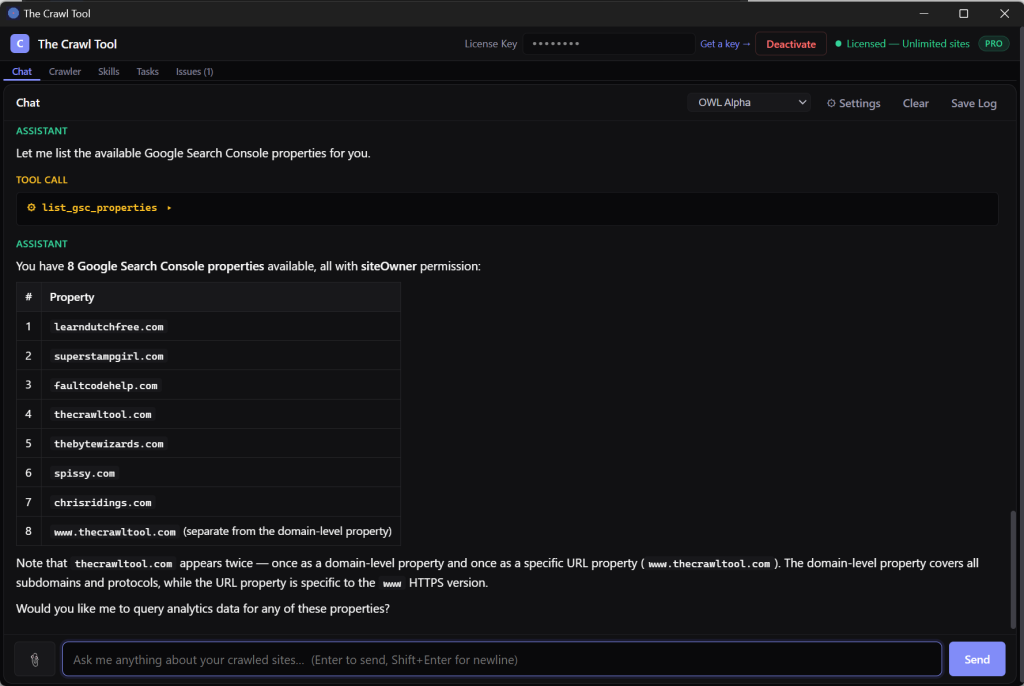
That’s it, you’re connected! With Google Search Console linked, you can now ask The Crawl Tool about your top-performing queries, track impressions and clicks over time, and get AI-driven insights to help you prioritize your SEO efforts. Give it a try and see what your data has to tell you.